The blind spot: you see traffic, but not context
Every product team faces the same question when something spikes: where is this traffic actually coming from?Log lines show IP addresses. Analytics show page views. Neither tells you — in one glance — whether a surge is legitimate growth in Germany, a scraper in a Virginia data center, or a VPN exit node masking fraud.
Before MCP, answering that question meant context-switching: copy an IP, open a dashboard, run a curl command, paste into Slack, repeat. For support, security, and growth teams, that friction adds up to hours every week — and delayed decisions when speed matters most.
What is IPDrift MCP?
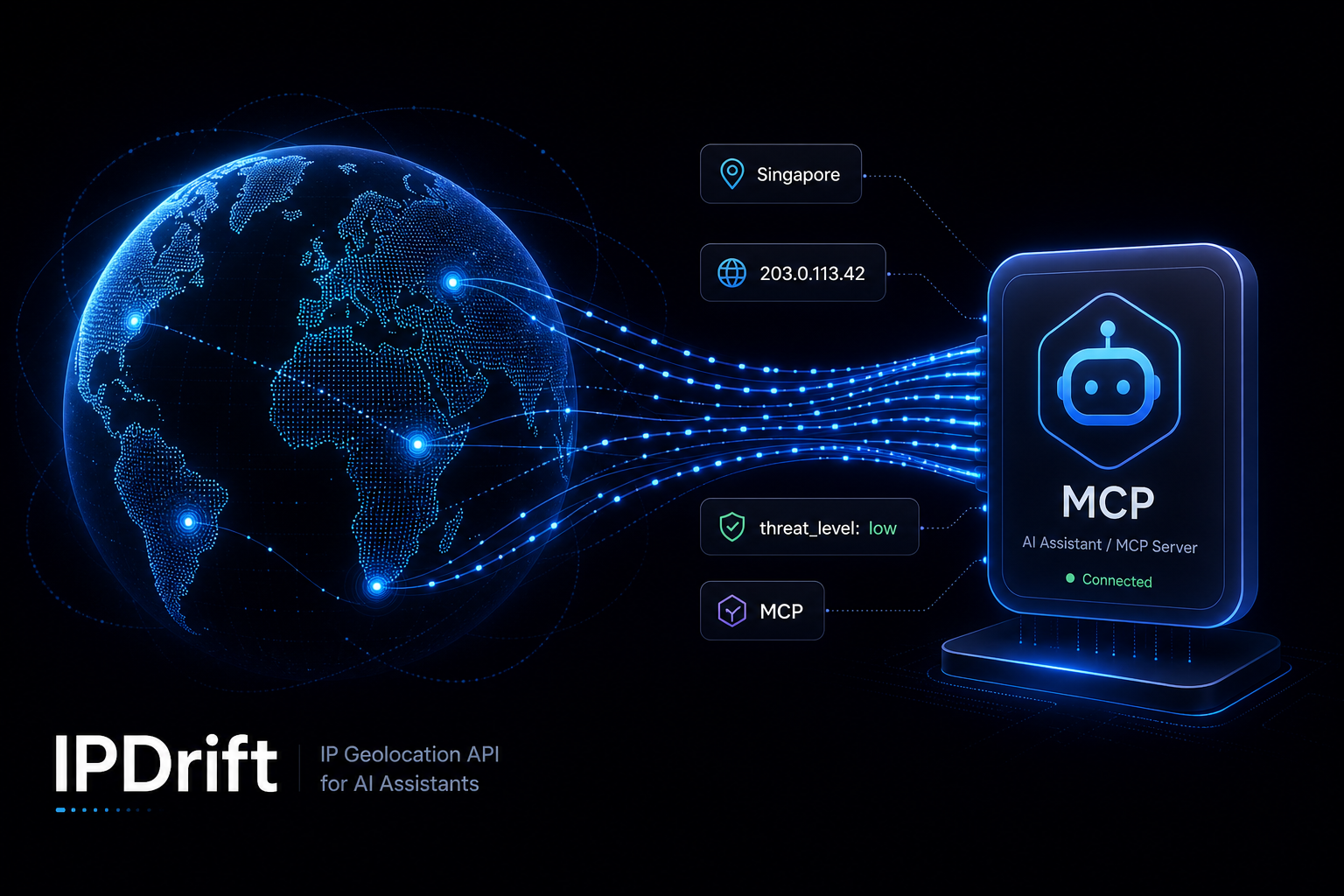
IPDrift MCP is a Model Context Protocol server that exposes IPDrift's geolocation API as native tools inside MCP-compatible clients — Cursor, Claude Desktop, custom agents, and internal AI assistants.
Instead of writing integration code for every workflow, your team (or your AI agent) calls a single tool: pass an IP, get structured location, connection, and security data back. The same production-grade API that powers 1M+ daily lookups — now one message away in chat.
Example: lookup in one tool call
Configure in your MCP client
1{2"mcpServers": {3"ipdrift": {4"command": "npx",5"args": ["-y", "ipdrift-mcp"],6"env": {7"IPDRIFT_API_KEY": "YOUR_API_KEY"8}9}10}11}
What value are we delivering?
IPDrift MCP is not a novelty integration — it compresses a repeatable business question into seconds. Here is what 100+ teams get out of the box:
1. Instant traffic-origin answers
Ask "where is 203.0.113.42 from?" and get country, region, city, ISP, and ASN without leaving your IDE or chat. Support tickets, incident threads, and standups move faster when origin context is immediate.
2. Security context where decisions happen
Every lookup includes security signals — proxy, VPN, TOR, crawler, threat level, hosting facility. Security and platform teams use MCP to triage suspicious sessions during live incidents instead of after the fact.
3. Zero new UI to learn
Teams already live in AI-assisted editors and chat. MCP meets them there. No separate geolocation dashboard required for ad-hoc questions — though the full IPDrift dashboard remains available for analytics and billing.
4. Developer velocity for automation
Engineers building bots, webhooks, and internal tools can prototype geo-aware logic conversationally: "block signup if country is X and hosting_facility is true" becomes testable in minutes, then ships as production code.
5. Consistent data across humans and agents
The same API keys, rate limits, and response schema power REST, the NPM client, and MCP. One source of truth for geolocation — whether a human or an agent is asking.
6. Privacy-safe, production-grade infrastructure
Sub-100ms lookups, 195+ countries, IPv4/IPv6 dual stack, and the same SLA-backed service used in production. MCP is a interface layer — not a separate, lesser product.
Why 100+ teams chose IPDrift MCP
Across SaaS, e-commerce, fintech, and ad-tech, the pattern is the same: traffic grew, questions got harder, and copying IPs between tools did not scale. Teams adopted IPDrift MCP when they needed:
- Faster incident response — "Is this login spike from one country or distributed?" answered in the thread where the alert fired.
- Smarter support — agents see geo context beside user reports without escalating to engineering.
- Geo-aware product decisions — PMs validate regional launch assumptions against real visitor IPs, not guesses.
- Compliance workflows — quick checks on whether traffic routes through VPN/proxy before approving high-risk actions.
- AI-native engineering — teams building on MCP want geolocation as a first-class tool, not a side integration.
The result: less tab-switching, fewer "can someone look up this IP?" messages, and decisions grounded in the same structured data your production apps already use.
Real workflows teams run today
Support & success
Paste a customer IP into chat → confirm region matches their account → flag mismatches for review. Reduces back-and-forth when users report access or payment issues tied to location.
Security & fraud
During an alert: batch-lookup suspicious IPs, filter for hosting_facility or elevated threat_level, decide block vs. challenge — without opening a separate console.
Growth & marketing
Validate campaign traffic: "Are these signups concentrated in one ASN?" Informs whether to celebrate a regional win or investigate bot traffic.
Engineering & platform
Scaffold geo-fencing rules, generate test cases for country blocks, and document API behavior — all from the same MCP tools used in production lookups.
Get started with IPDrift MCP
- Create a free IPDrift account and copy your API key from the dashboard.
- Add the IPDrift MCP server to your client config (see JSON above).
- Ask your first question: "Look up 8.8.8.8 and summarize where it is."
- When you outgrow the free tier, upgrade to Pro for 100K daily requests and priority support.
Need REST instead of MCP? Start with our Quick Start or browse the API Reference. Same data, your choice of interface.
Bottom line: IPDrift MCP turns "where is this traffic from?" from a multi-step investigation into a single tool call — inside the AI workflows 100+ teams already use every day.